Visualising OpenBSD dmesg
Someone recently sent me OpenBSD 7.9 dmesg output from a
NanoPi Zero2,
which is a very compact and barebones arm64 machine based on the
Rockchip RK3528 SoC.
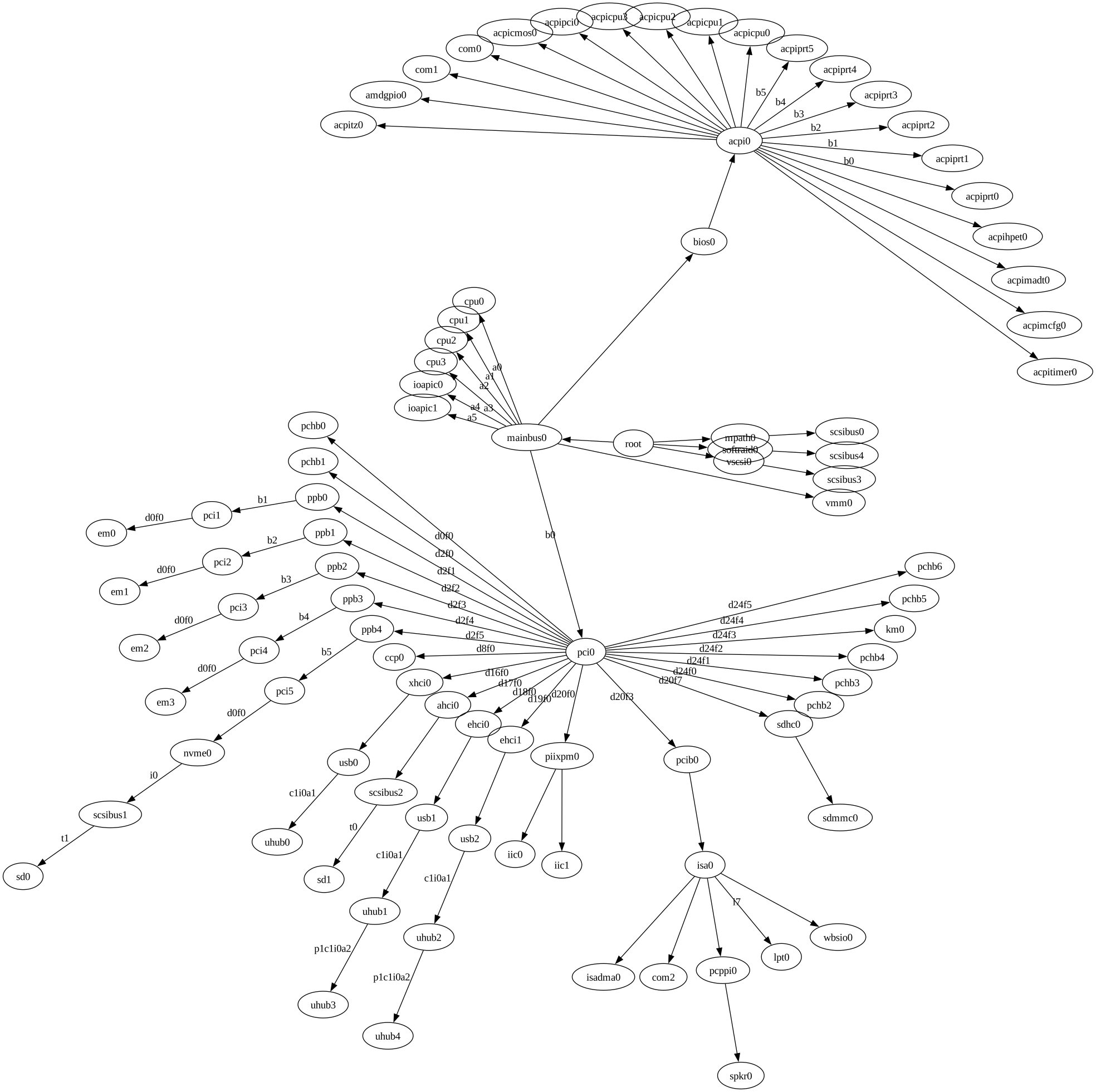
Feeling somewhat bored, I decided to try to visualize the hardware relationships in directed graph form. It worked rather less-terribly than I expected with my very limited Graphviz experience.
For example, the below dmesg snippet shows how the first Ethernet
interface is attached in my PCengines APU2:
$ ssh apu2 dmesg | grep -E '^(em0|pci[01]|ppb0)'
pci0 at mainbus0 bus 0
ppb0 at pci0 dev 2 function 1 "AMD 16h PCIE" rev 0x00: msi
pci1 at ppb0 bus 1
em0 at pci1 dev 0 function 0 "Intel I211" rev 0x03: msi, address
00:0d:b9:52:06:7c
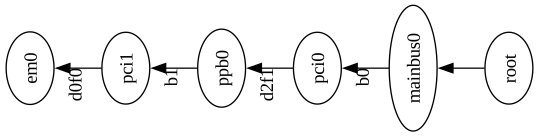
Expressed in Graphviz form, this would look like the below:
strict digraph {
	root -> mainbus0
	mainbus0 -> pci0 [ label="b0"   ]
	pci0 -> ppb0     [ label="d2f1" ]
	ppb0 -> pci1     [ label="b1"   ]
	pci1 -> em0      [ label="d0f0" ]
}
The edge labels are derived from the dev 2 function 1 and similar
in the dmesg entries, following the initial THISDEVICE at PARENTDEVICE relationship part.
Rendered with the twopi renderer (rotated 90 degrees to minimize
the amount of crap to scroll past):
To generate Graphviz code for the full graph I used this awk script. The SVG output generation can be done in the same shell command, thus avoiding accumulating temporary files:
ssh apu2 dmesg \
	| ./dmesg-to-graphviz.awk \
	| twopi -Groot=root -Granksep=2 -Tsvg
	> apu2.svg
The graph: (or open it)